

1. Get your Portkey API Key
Create or log in to your Portkey account. Grab your account’s API key from the “Settings” page.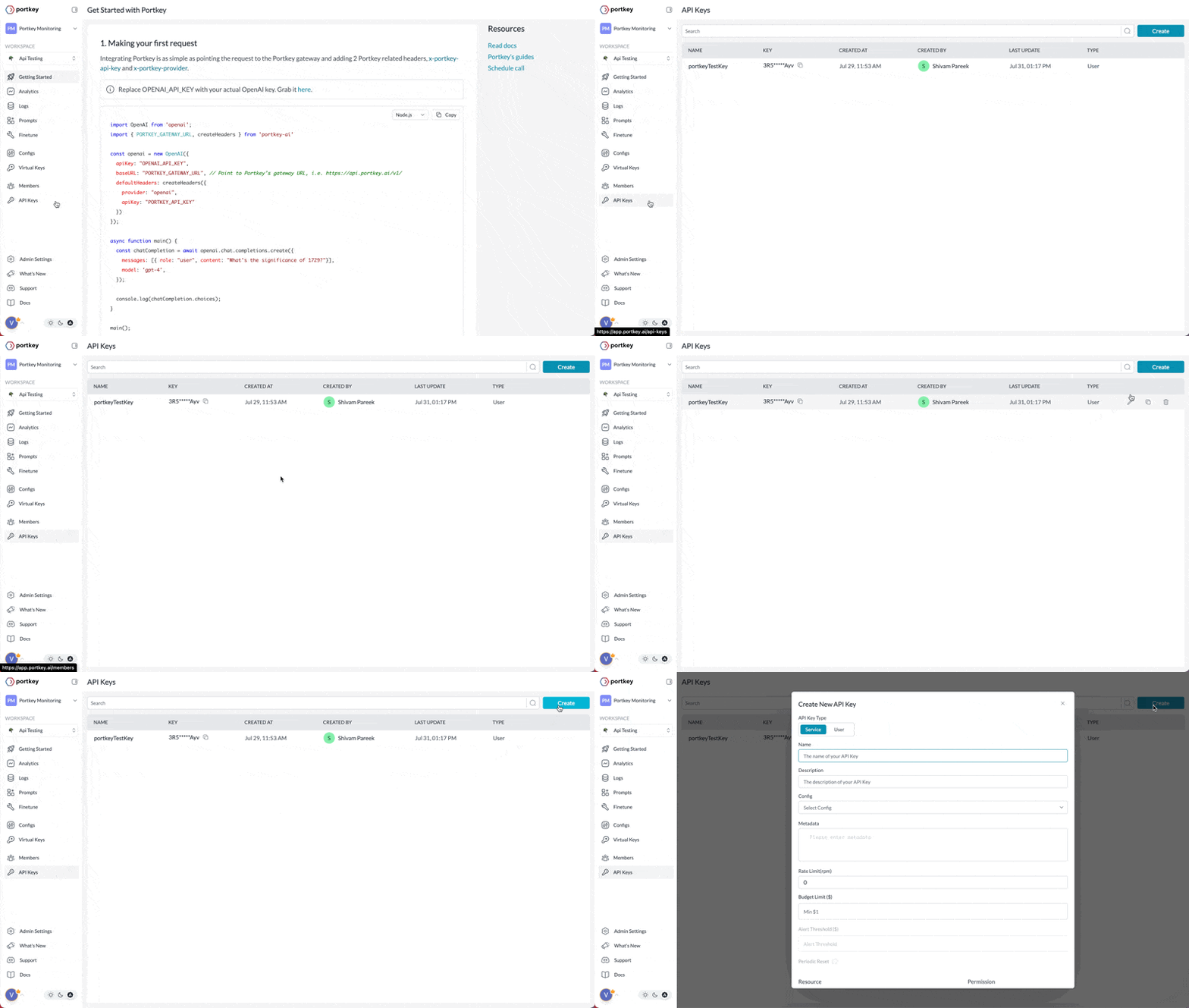
2. Integrate Portkey
Portkey offers a variety of integration options, including SDKs, REST APIs, and native connections with platforms like OpenAI, Langchain, and LlamaIndex, among others.Through the OpenAI SDK
If you’re using the OpenAI SDK, import the Portkey SDK and configure it within your OpenAI client object:OpenAI
Portkey SDK
You can also use the Portkey SDK / REST APIs directly to make the chat completion calls. This is a more versatile way to make LLM calls across any provider:SDK
Other Integration Guides
Azure OpenAI
Anthropic
Langchain
LlamaIndex
Ollama
Others
3. Next Steps
Now that you’re up and running with Portkey, you can dive into the various Portkey features to learn about all of the supported functionalities:Observability
AI Gateway
Prompt Library
Autonomous Fine-Tuning
Guardrails
Enterprise
While you’re here, why not give us a star? It helps us a lot!